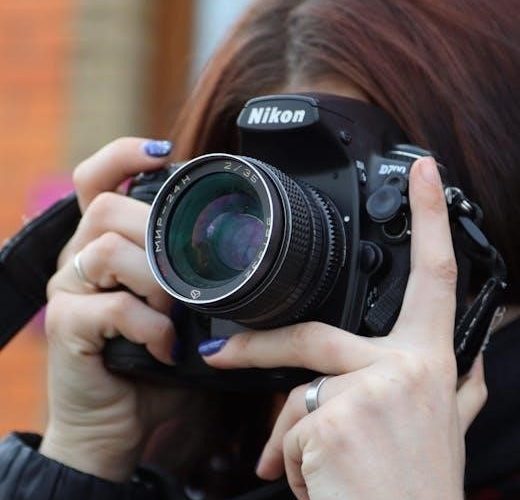
Nikon D3300: A Comprehensive User Manual
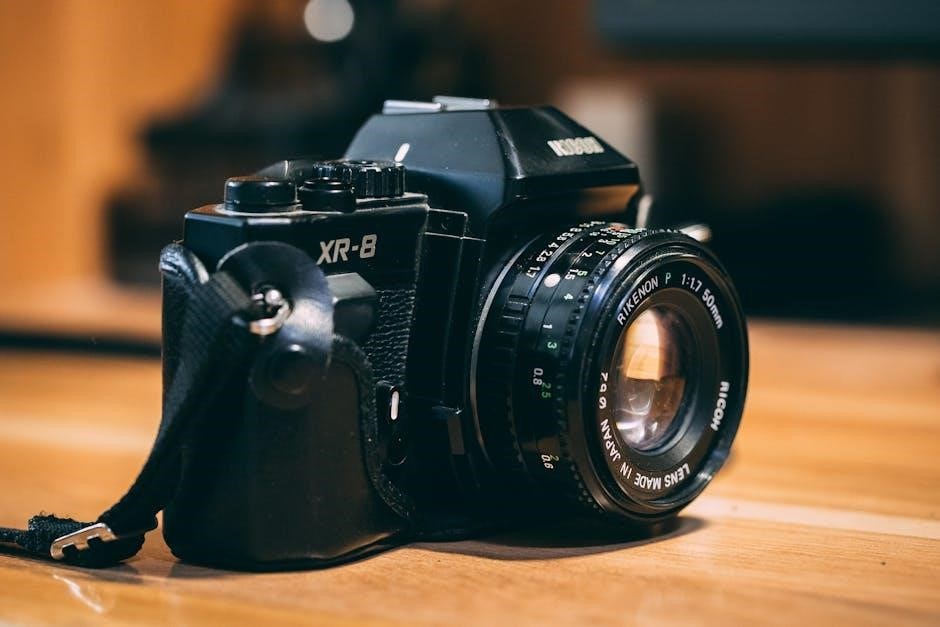
This manual provides detailed guidance for Nikon D3300 owners, covering everything from initial setup to advanced features, ensuring optimal photographic experiences.
Welcome to the world of DSLR photography with the Nikon D3300! This guide serves as your comprehensive companion, unlocking the full potential of this popular camera. The D3300 is designed for both beginners and enthusiasts, offering a fantastic blend of image quality, ease of use, and creative control.
This manual will walk you through every aspect of your camera, from understanding its various components to mastering shooting techniques. Whether you’re capturing family memories or exploring artistic expression, the D3300 empowers you to achieve stunning results. Prepare to embark on a rewarding photographic journey!
Unboxing and Initial Setup
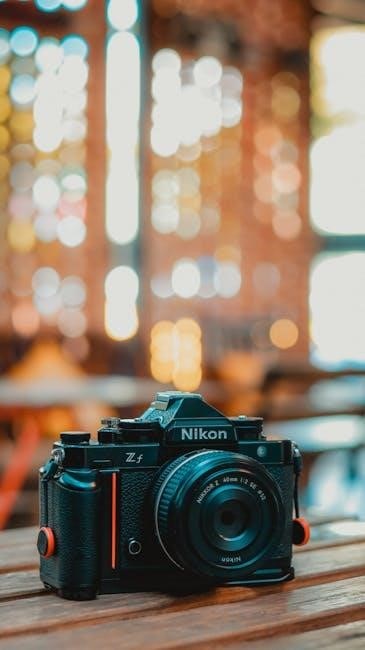
Carefully unpack your Nikon D3300, ensuring all components are present: the camera body, kit lens, battery, battery charger, USB cable, and this user manual. Begin by charging the battery fully using the provided charger. Insert the battery into the camera’s battery compartment. Next, attach the kit lens, aligning the marks and twisting gently until it clicks.
Power on the camera and follow the on-screen prompts to set your language, date, and time. This initial setup is crucial for proper camera operation and accurate image metadata. Refer to the manual for detailed illustrations.

Understanding the Camera Body
The Nikon D3300’s body is designed for comfortable handling and intuitive operation. It features a secure grip, strategically placed buttons, and a clear optical viewfinder. Familiarize yourself with the camera’s build – noting the location of the mode dial, shutter button, and control dials.
The rear panel houses the LCD screen for image review and menu navigation. Understanding the layout of these key components, as detailed in the full user manual, will significantly enhance your shooting experience and allow for quicker adjustments in various scenarios.
Front Panel Features
The Nikon D3300’s front panel primarily hosts the lens mount, utilizing the Nikon F bayonet with AF contacts for compatibility with a wide range of Nikon lenses. You’ll also find the function button, offering customizable quick access to frequently used settings. Additionally, the infrared receiver for the remote control is located here.
Carefully studying the manual’s diagrams will help you understand the purpose of each element. Proper lens attachment and understanding the function button’s capabilities are crucial for efficient operation.
Rear Panel Features
The Nikon D3300’s rear panel is dominated by the large 3.0-inch LCD screen, facilitating image review and menu navigation. Essential controls include the directional pad with central OK button for menu selection and settings adjustments. The ‘i’ button provides quick access to frequently used functions.
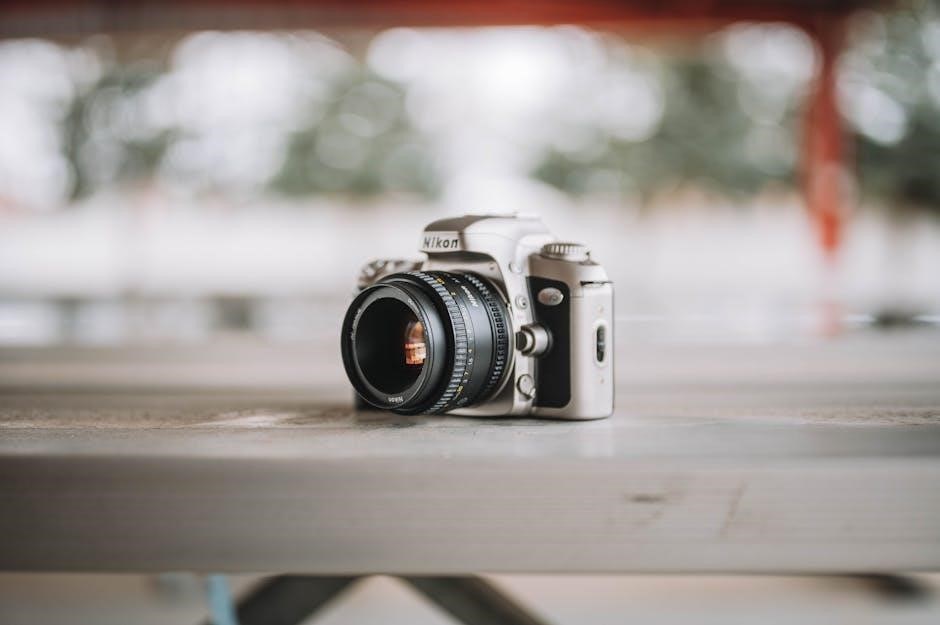
Furthermore, you’ll find buttons for playback, menu access, and image quality/delete options. The rear panel also houses the viewfinder for composing shots. Referencing the user manual’s illustrations will clarify each control’s specific function.
Top Panel Features
The Nikon D3300’s top panel houses crucial controls for shooting. The mode dial allows selection of Auto, Scene, Program, Aperture Priority, Shutter Priority, and Manual modes. A prominent shutter button initiates image capture, while the control dial adjusts settings like aperture or shutter speed, depending on the selected mode.
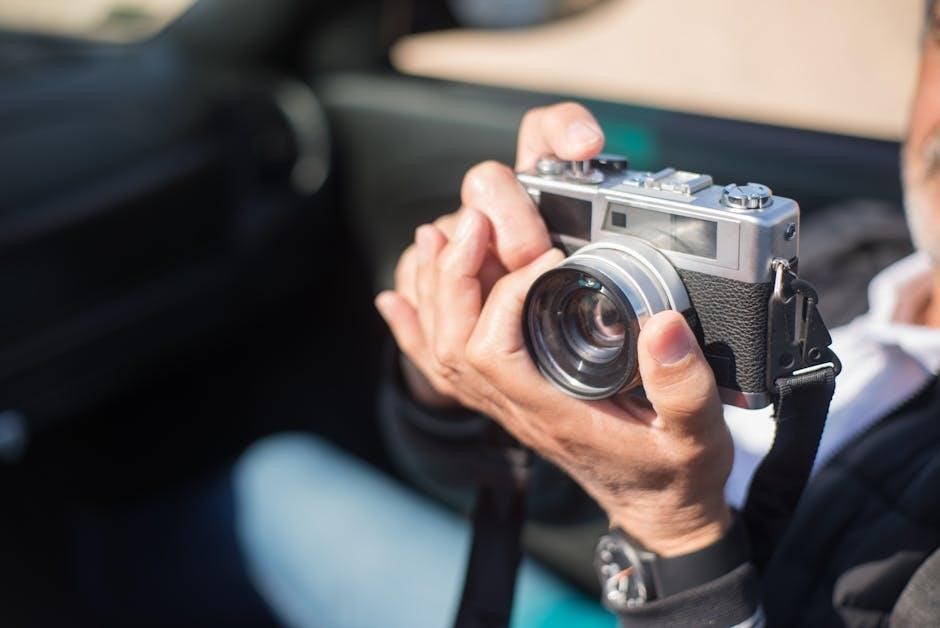
Additionally, a dedicated button activates the built-in flash, and the power switch controls camera operation. The user manual provides detailed explanations of each control’s function and customization options for a tailored shooting experience.
Basic Camera Settings
Essential settings on the Nikon D3300 include date and time, crucial for accurate image metadata. Selecting the appropriate shooting mode – Auto for simplicity or Manual for full control – is fundamental. Image quality and size settings determine file resolution and compression, impacting detail and storage space.
The user manual guides users through these initial configurations, explaining the implications of each choice. Properly setting these basics ensures optimal image capture and efficient workflow, laying the foundation for creative photography.
Setting the Date and Time
Accurate date and time settings are vital for organizing and referencing your photos on the Nikon D3300. The camera’s menu system allows easy adjustment of these parameters. Incorrect settings can lead to chronological errors in image files, complicating post-processing and archiving.
The user manual details step-by-step instructions for setting the date, month, year, and time, ensuring proper synchronization. This seemingly simple step is crucial for maintaining a well-organized digital photo library and accurate metadata.
Choosing the Shooting Mode
The Nikon D3300 offers a variety of shooting modes to suit different photographic situations and user skill levels. From fully automatic modes for beginners to manual controls for experienced photographers, the camera provides flexibility. Understanding each mode is key to achieving desired results.
The user manual thoroughly explains each mode – Auto, Scene, Program, Aperture-priority, Shutter-priority, and Manual – detailing their functions and optimal applications. Selecting the correct mode empowers users to control image creation and explore their creativity.
Image Quality and Size Settings
The Nikon D3300 allows users to customize image quality and size to balance file size and detail. The manual details options for RAW and JPEG formats, offering flexibility for post-processing. Selecting larger image sizes captures more detail, ideal for prints or cropping, while smaller sizes conserve memory card space.
Understanding these settings is crucial for managing storage and achieving desired image quality. The user manual guides users through choosing appropriate combinations based on their specific needs and intended use of the photographs, ensuring optimal results;
Focusing and Exposure
The Nikon D3300’s manual thoroughly explains focusing and exposure controls, vital for capturing sharp, well-lit images. It details autofocus modes, enabling users to track moving subjects or achieve precise focus on stationary objects. Exposure compensation allows adjusting brightness, correcting for challenging lighting conditions.
Furthermore, the manual clarifies the relationship between aperture, shutter speed, and ISO, empowering users to understand how these settings impact image appearance and creatively control depth of field and motion blur.
Autofocus Modes Explained
The Nikon D3300 manual dedicates significant detail to autofocus (AF) modes. Single-servo AF (AF-S) is ideal for stationary subjects, locking focus when the shutter button is half-pressed. Continuous-servo AF (AF-C) tracks moving subjects, continuously adjusting focus. Auto-servo AF (AF-A) automatically switches between AF-S and AF-C.
The manual also explains focus-area modes – Single-point AF, Dynamic-area AF (with 9, 21, or 39 focus points), and 3D-tracking, offering flexibility for various shooting scenarios and subject types.
Exposure Compensation
The Nikon D3300’s manual thoroughly explains exposure compensation, crucial for adjusting brightness in challenging lighting. It allows users to override the camera’s automatic metering. Positive values brighten the image, useful for dark scenes, while negative values darken it, ideal for bright conditions.
The manual details how to adjust compensation using the +/- button, displaying the effect in real-time through the viewfinder or Live View. Understanding this feature is key to achieving properly exposed photographs, especially in tricky situations.
Understanding Aperture, Shutter Speed, and ISO
The Nikon D3300 manual dedicates significant space to explaining the “exposure triangle”: aperture, shutter speed, and ISO. Aperture controls depth of field, shutter speed dictates motion blur, and ISO determines sensitivity to light. The manual clarifies how each setting impacts image brightness and overall look.
It details how to adjust these settings in various shooting modes, offering practical examples. Mastering these concepts is vital for moving beyond automatic modes and achieving creative control over your photographs, as outlined in the user guide.
Lenses and Accessories
The Nikon D3300 manual thoroughly covers compatible lenses, detailing both those with and without built-in microprocessors. It emphasizes the importance of using Nikon-approved lenses for optimal performance and compatibility. The guide also explores external flash options, specifically Nikon Speedlights, explaining how to connect and utilize them for enhanced lighting control.
Furthermore, the manual lists various other accessories, offering guidance on their use and benefits. Understanding lens compatibility and accessory options is crucial for expanding the camera’s capabilities, as detailed within the comprehensive user documentation.
Compatible Nikon Lenses
The Nikon D3300 utilizes the Nikon F mount, ensuring compatibility with a vast array of Nikon lenses. The manual details that numerous AF-S, AF-P, and older AF lenses are supported, offering photographers diverse options for various shooting scenarios. It specifically highlights lenses designed for DX-format cameras, maximizing image quality on the D3300’s APS-C sensor.
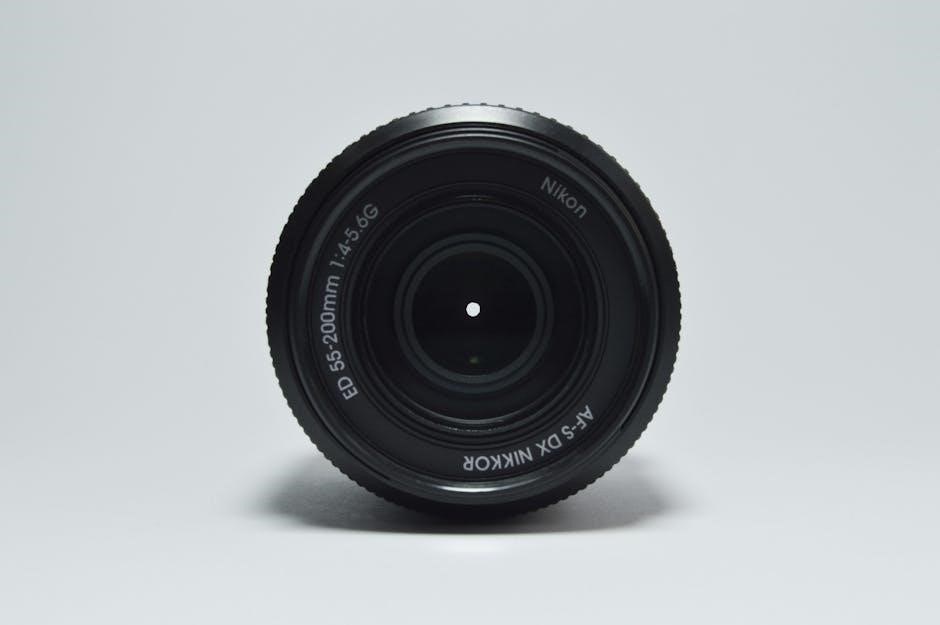
The guide stresses checking lens compatibility before purchase, particularly with older models. Utilizing compatible lenses guarantees proper autofocus functionality and optimal image results, as outlined in the comprehensive user documentation.
Compatible Lenses with Built-in Microprocessor
The Nikon D3300 benefits significantly from lenses featuring built-in microprocessors, specifically AF-S and AF-P lenses. These lenses facilitate advanced autofocus functions, including face detection and tracking, enhancing shooting convenience and accuracy. The manual emphasizes that these lenses transmit crucial data to the camera body, optimizing exposure and image stabilization performance.
Lenses with microprocessors also support features like electromagnetic diaphragm control for smoother aperture adjustments. The user guide recommends prioritizing these lenses for a superior photographic experience and full utilization of the D3300’s capabilities.
Using External Flash (Speedlights)
The Nikon D3300 is compatible with a range of Nikon Speedlights, offering expanded lighting options for diverse photographic scenarios. The manual details how to attach and configure these external flashes, emphasizing the importance of proper hot shoe connection and communication settings. Utilizing Speedlights allows for creative control over light direction, intensity, and color temperature.
The guide explains features like TTL (Through-The-Lens) flash metering for automatic exposure and manual flash control for precise adjustments. It also covers remote flash triggering for off-camera lighting setups, enhancing creative possibilities.
Shooting Modes in Detail
The Nikon D3300 offers a variety of shooting modes to suit different skill levels and photographic situations. The manual thoroughly explains each mode, starting with Auto Mode for effortless point-and-shoot operation, ideal for beginners. It then details various Scene Modes – Portrait, Landscape, Sports, and more – each optimized for specific subjects and conditions.
Further exploration covers Program Mode (P), granting users creative control over settings while maintaining automatic exposure. The guide clarifies how to effectively utilize these modes to achieve desired photographic results.
Auto Mode for Beginners
Auto Mode on the Nikon D3300 is designed for simplicity, allowing beginners to capture quality images without needing to understand complex camera settings. The manual emphasizes that in this mode, the camera automatically selects the optimal aperture, shutter speed, and ISO for the given scene.
It’s perfect for everyday snapshots and situations where quick, hassle-free shooting is desired. The guide clarifies that while offering convenience, Auto Mode limits creative control, but serves as an excellent starting point for new photographers.
Scene Modes: Portrait, Landscape, Sports, etc.
The Nikon D3300’s Scene Modes offer pre-configured settings optimized for specific shooting scenarios. The manual details modes like Portrait, prioritizing subject clarity with blurred backgrounds, and Landscape, enhancing colors and sharpness for expansive views. Sports mode freezes action with faster shutter speeds, while Night Portrait balances flash and ambient light.
These modes simplify photography by automating settings, though the guide notes that understanding their limitations allows for more creative control as skills develop. They are ideal for quickly adapting to diverse photographic opportunities.
Program Mode (P) for Creative Control
Program Mode (P) on the Nikon D3300 offers a balance between automatic convenience and manual control. The camera sets both aperture and shutter speed, but the user retains control over ISO, white balance, and exposure compensation. This allows for creative adjustments without fully navigating manual settings.
The manual explains that Program mode is excellent for photographers wanting to influence image aesthetics while still benefiting from the camera’s metering system. It’s a stepping stone towards mastering fully manual operation, fostering photographic growth.

Navigating the Menu System
The Nikon D3300’s menu system, detailed in the user manual, is accessed via the ‘MENU’ button. It’s logically organized into several tabs: Shooting, Display, Setup, and Custom Settings. The manual stresses understanding each section to personalize camera functions.
Users can customize settings like image quality, autofocus behavior, and button assignments. The ‘Setup’ menu controls fundamental camera operations, including date/time and language. Mastering menu navigation unlocks the D3300’s full potential, allowing photographers to tailor the camera to their specific needs and preferences.
Customizing Menu Settings
The Nikon D3300 manual highlights extensive customization options within the menu system. Users can personalize autofocus settings, choosing from various modes and focus areas. Image quality adjustments, including file size and format, are readily accessible. Display settings allow tailoring the information shown in the viewfinder and on the LCD screen.
Furthermore, the ‘Custom Settings’ menu enables assigning functions to buttons for quicker access. These customizations, detailed in the manual, empower photographers to optimize the camera for their shooting style, enhancing efficiency and creative control.
Understanding the Setup Menu
The Nikon D3300’s Setup menu, as detailed in the user manual, controls fundamental camera operations. It includes options for formatting memory cards, selecting the language, and adjusting the built-in clock. Users can also configure USB connection settings and manage file naming conventions.
Importantly, the manual explains how to reset the camera to factory defaults within this menu. Understanding these settings is crucial for maintaining optimal camera performance and ensuring proper data management, as outlined in the comprehensive guide.
Advanced Features
The Nikon D3300 manual details several advanced features for experienced photographers. These include mastering the built-in flash for creative lighting, and fine-tuning white balance for accurate color rendition. Users can also explore Picture Control settings to customize image tones.
The guide explains how to leverage these tools for professional-looking results; Furthermore, the manual provides insights into customizing menu settings for a personalized shooting experience, enhancing control and unlocking the camera’s full potential, as described in the comprehensive user documentation.
Using the Built-in Flash
The Nikon D3300 manual thoroughly explains utilizing the integrated flash. It details how to activate and deactivate the flash, alongside modes like Auto, Auto with Red-Eye Reduction, Fill-Flash, and Manual. The guide clarifies flash compensation adjustments for brightness control.
Users learn to optimize flash usage for various scenarios, improving image quality in low-light conditions. The manual also covers advanced techniques, ensuring photographers understand how to creatively employ the built-in flash for enhanced photographic results, as outlined in the complete user documentation.
White Balance Adjustment
The Nikon D3300 manual dedicates a section to mastering white balance, crucial for accurate color rendition. It explains presets like Daylight, Incandescent, Fluorescent, and Cloudy, alongside Custom settings for precise control. Users learn to adjust white balance to neutralize color casts caused by different lighting conditions.
The guide details how to fine-tune white balance for natural-looking images, enhancing overall picture quality. Understanding white balance is key to achieving desired color tones, as detailed within the comprehensive Nikon D3300 user documentation, ensuring consistently vibrant and accurate photographs.
Picture Control Settings
The Nikon D3300 manual thoroughly explains Picture Control settings, allowing users to customize image appearance directly in-camera. Standard, Neutral, Vivid, and Monochrome options are detailed, each impacting color, contrast, and sharpness. The manual guides users through adjusting these presets to match their creative vision.
Furthermore, it covers creating and saving custom Picture Controls for consistent results. Understanding these settings, as outlined in the Nikon D3300 user guide, empowers photographers to achieve desired aesthetics without post-processing, enhancing their workflow and photographic style.
Troubleshooting Common Issues
The Nikon D3300 manual dedicates a section to resolving frequent problems. It addresses scenarios like the camera failing to power on, offering solutions such as checking the battery and compartment contacts. Focusing difficulties are covered, suggesting cleaning the lens and verifying autofocus settings.
Crucially, the guide deciphers error messages displayed on the camera, providing clear explanations and corrective actions. This section, detailed within the Nikon D3300 user manual, aims to empower users to independently diagnose and fix common issues, minimizing downtime and maximizing shooting time.
Camera Not Turning On
If your Nikon D3300 fails to power on, the user manual advises several checks. First, confirm the battery is correctly inserted and fully charged. Inspect the battery compartment for any obstructions or corrosion on the contacts. Try a different, known-working battery if available.
The manual also suggests removing any cards or lenses to rule them out as the cause. If the issue persists, consult the troubleshooting section for further guidance, potentially indicating a need for professional repair, as detailed within the comprehensive Nikon D3300 guide.
Focusing Problems
The Nikon D3300 user manual addresses focusing issues by first recommending checking the autofocus (AF) settings. Ensure AF is enabled and the correct AF mode is selected for your subject (e.g., Single-servo AF for static subjects, Continuous-servo AF for moving ones). Verify the focus point is positioned over the intended subject.
If problems continue, the manual suggests cleaning the lens contacts and checking for obstructions. Low light can also affect autofocus performance; consider using the built-in flash or a brighter light source, as detailed in the Nikon D3300 guide.
Error Messages and Solutions
The Nikon D3300 manual details various error messages and their solutions. Common errors include “Card full” (insert a new memory card) and “No memory card” (ensure a compatible card is properly inserted). If an error occurs during image transfer, the manual advises checking the USB cable and computer connection.
For more complex errors, the Nikon guide suggests turning the camera off and on again, or resetting the camera to factory defaults (refer to the setup menu). If issues persist, consulting Nikon support is recommended, as outlined in the user documentation.